On a local machine
Prepare and process approved data on a dedicated computer. A practical starting point for a bounded workflow and local control.
Give your agent the playbook, records and context behind your business. Work with it through email, connect your tools, and teach your team to put it to work.
The account lead approves scope changes before delivery begins.
A revised brief changes the deadline. The signed scope still shows the earlier date.
Next checkAsk the account lead to confirm the change before preparing the handoff.
Fictional example · sources stay attached · your team reviews
YOUR SECOND BRAIN, IN THE FLOW OF WORK
Keep working through the tools your team already uses. Your agent brings together approved business knowledge, conversations and the next task.
Send a request in plain English. Your agent can research the question, return a useful brief, and keep the conversation going in the same email thread.
Ask a follow-up without rebuilding the context.
Plan your demoYOU → YOUR AGENT
Before my afternoon call, what changed on the Harbor project? Find the current brief and anything I need to follow up on.
YOUR AGENT → YOU
The client requested a revised delivery date. The latest brief includes it, but the signed scope still has the previous date. Here are the two records and the approval question to raise.
Illustrative conversation with fictional records. Connections vary by agreed scope.
Built from real brokerage work. Our commercial real estate work includes an email-agent workflow, property research and business records. We start with one useful task, then configure the sources, meeting connections and agents your team needs.
For independent brokersHOW WE BUILD YOUR SECOND BRAIN
Your files tell part of the story. Your people know the rest. We bring both together so AI has a clearer understanding of what matters and how work gets done.
We sit down with your team to capture the context your files leave out: roles, terminology, decisions and handoffs.
THE VALUE IS IN THE CONNECTIONS
A changed deadline is more useful when AI can connect it to the right client, the person responsible, the approval rule, and the next task.
That shared context can help your team prepare faster, find supporting documents, and give agents a better starting point for the work you choose.
See an exampleA SETUP THAT FITS YOUR BUSINESS
We choose the environment together, based on your data, your team, and the way you want to operate.
Prepare and process approved data on a dedicated computer. A practical starting point for a bounded workflow and local control.
Use your business infrastructure for shared access. We scope user permissions, backups, maintenance and the connection to your tools.
Scope a hosted server setup with access controls, encryption, retention and operating responsibilities agreed before implementation.
Storage and AI processing are separate choices. Keeping files on a local machine does not automatically keep AI processing local. We agree whether models run locally or approved external AI services receive selected data, before processing begins.
BUILD THE SYSTEM. TEACH THE TEAM.
We offer hands-on lessons for your employees, built around the workflows they actually use. Practice with your second brain, ask questions, and leave with a guide the team can return to.
Ask useful questions, open the supporting records, and recognize when an answer needs a closer look.
Practice research, meeting preparation, drafting or handoffs using the context and connections included in your build.
Correct annotations, capture decisions, handle sensitive information, and know when a person needs to approve the next step.
A MORNING WITH YOUR SECOND BRAIN
Ask your agent by email. The same business context can support its research, preparation, drafting and follow-ups. This short animation shows how the underlying knowledge connects.
Review today’s saved emails and pull out the changes, requests and deadlines that matter.
Connect related messages to the same project, its history and the decisions already made.
Surface the relevant revision, notes and checklist, with the source kept beside the answer.
Let a compatible agent retrieve the approved facts and open questions through a scoped MCP connection.
MCP—the Model Context Protocol—gives compatible AI applications a standard way to request context and tools. We scope what an agent can read and do, so your shared memory can become a foundation for the AI workflows you choose.
Our commercial real estate work includes an email-agent workflow and MCP property lookup tools. This animation uses fictional records; it is not a recording of a customer inbox or live agent execution. Meeting and agent connections are scoped for each build.
How MCP connects applicationsExample: three messages about the fictional Harbor Commerce review reveal a changed inspection schedule, a revised lease and a request for a status update. Connecting them surfaces the lease, inspection notes and review checklist. A proposed MCP handoff gives a compatible agent the known facts, source references, open approval and next check. The team remains responsible for reviewing the sources and approving actions.
Download the full transcriptTHE LORECAL PACKAGE
A focused implementation, practical employee training, and optional ongoing care. Start with one team and one workflow that matters.
FOUNDING CUSTOMER PILOT / FIRST THREE TEAMS
$2,000 fixed pilot fee
Start with a smaller commitment. We work closely with your team, test a useful workflow and measure the results before you decide to expand.
Discuss a pilot$1,000 to start; $1,000 when the agreed working workflow is delivered. The 30-day period starts at kickoff after access and scope are agreed. Acceptance criteria, cancellation terms and data handling are written into your proposal.
No automatic subscription. Software and usage costs are separate and agreed in advance. If you continue, we credit the $2,000 toward a larger implementation when the pilot work can be reused. Credit and expansion scope are confirmed in writing.
01 / BUILD & HANDOVER
From $6,500 one time
We learn how your business works, organize its knowledge, and help your people use it.
02 / OPTIONAL ONGOING CARE
$750 per month
A continuing relationship to keep the agreed system useful as your business and AI tools change.
Best for teams using the system regularly who want us to maintain and improve it. Month to month after launch, with no automatic enrollment. This is scheduled care, not 24/7 monitoring or guaranteed emergency response. New tools, migrations and larger changes are quoted separately. If you can manage the setup yourselves, use the handover and book help as needed.
Discuss ongoing careThe starting build covers one business, one environment, up to 10 team members, two supported data sources, and up to 100 text-based documents or 1,000 pages, whichever comes first. We confirm data quality, permissions and connector compatibility before quoting. Large archives, scans, custom servers and complex access requirements receive a separate scope.
You retain your source data and business playbook. We hand over the client-specific knowledge files and configuration, with ongoing rights to use the delivered setup; third-party tools and reusable Lorecal components retain their own licenses. Your handover does not depend on buying monthly care. Connected services still need their own subscriptions and someone to operate them.
Software seats, AI/API usage, hosting, hardware and any travel are separate. We itemize expected costs in your proposal before work begins. Local storage and fully local AI processing are different options.
$250 / hour
Workflow advice, tool selection and practical guidance for your next AI project.
Discuss consulting$1,000 / 2 hours
Additional live training for one team of up to 10 people, with standard preparation and take-home notes.
Plan a workshopFrom $1,500
A separately scoped workflow or integration. Discuss meeting notes, another agent, or a new business tool.
Explore an integrationUSD. Starting prices are estimates for the scope above, not an instant purchase. Final scope, delivery dates, payment milestones, cancellation terms and data handling are agreed in writing. Training hours are per team, not per employee. Additional work requires an agreed quote.
THE PEOPLE BEHIND LORECAL
We’re Jacob and Matt. We both studied at the University of Denver and were students when ChatGPT arrived. AI became part of how we learned, experimented and built. That experience shaped the way we approach software: start with a real question, build something useful, and keep improving it.
Our work at Lee & Associates brought that curiosity into commercial real estate. Working with brokers showed us how much a useful answer depends on context: the conversation behind a deal, the latest document, and the way a particular team works.
That’s where Lorecal began. We’re building a second brain that connects a business’s knowledge to the agents its people use. We’re still learning alongside brokers—listening to their questions, testing workflows with them, and letting their day-to-day needs guide what we build next.
Tell us what your team needs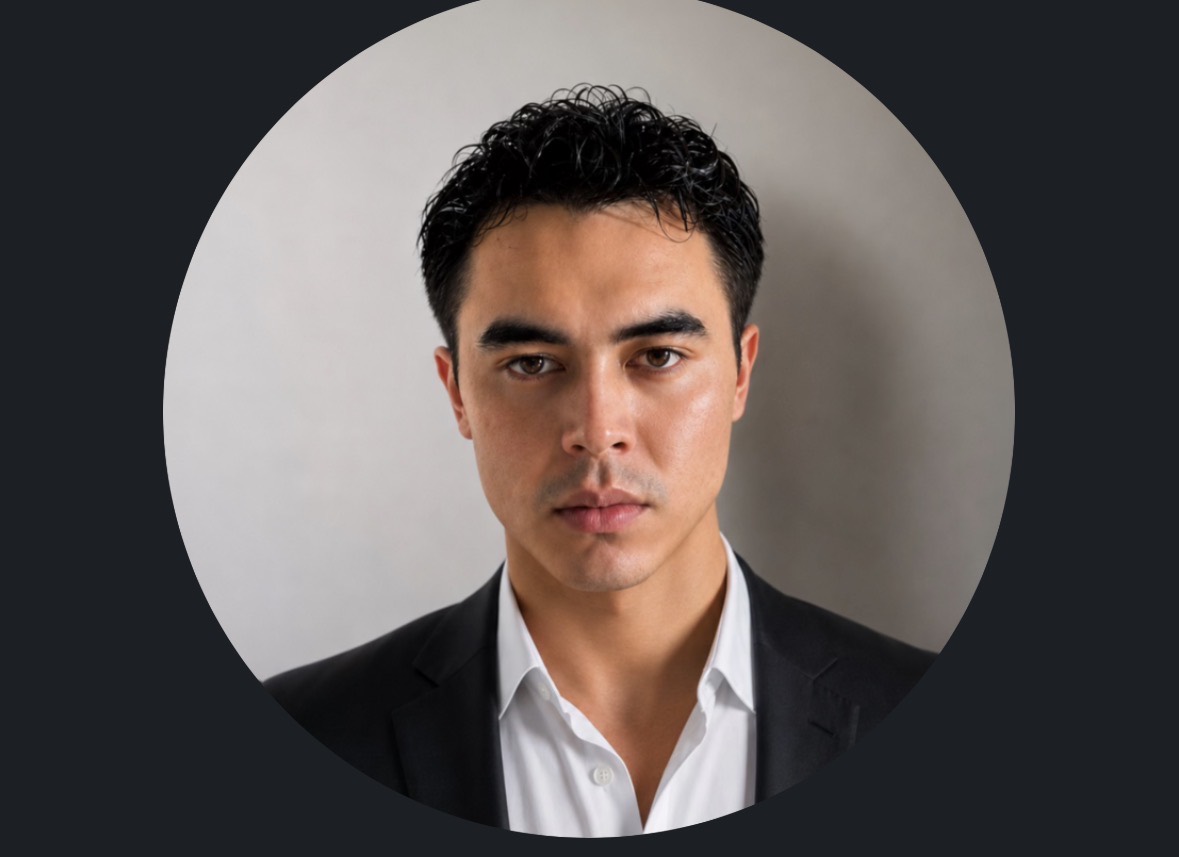
CO-FOUNDER · CEO
Bringing brokerage experience and a hands-on approach to AI products. Jacob focuses on understanding the work, finding a useful starting point, and helping teams put AI into practice.

CO-FOUNDER · CTO
A University of Denver computer science graduate with minors in mathematics and business analytics. Matt brings his data specialist experience at Lee & Associates to building tools that turn business information into useful AI context.
LET’S START WITH SOMETHING USEFUL
Tell us about one repeated task. We’ll map the context it needs and propose a focused implementation, with employee lessons included in the scope.
Connections, supported formats, hosting, lesson count, support, timeline and pricing are agreed in a written proposal. Start with approved sample data and expand after review.
A FEW GOOD QUESTIONS
It captures the context that files often leave out: your vocabulary, roles, approval rules, recurring processes and exceptions. We use it to guide how information is organized and how selected AI workflows should interpret it.
It means adding useful structure to information: which customer or project a record belongs to, who is responsible, what changed, which dates matter, and where the evidence comes from. Your team reviews representative results, corrects mistakes and resolves uncertain or conflicting information.
We assess your agents and tools during discovery. Where compatible, a scoped MCP connection can let them request approved business context and tools. Each connection, permission and action is configured and tested for your workflow.
We begin with the data behind one useful workflow. We assess file formats, quality, permissions and processing needs before agreeing a larger import. Refresh schedules and ownership are part of the scope.
The starting point is structured knowledge and context that AI can retrieve and use. It does not require training a new model. Any external provider, data handling terms or separate model training would need its own agreement.
Yes. We offer sessions in the Los Angeles area and remote lessons. We agree the location, group size, session count and follow-up support in your proposal, then teach the workflows your team will actually use.
Our commercial real estate work includes an email-agent workflow, property research, saved alerts, spreadsheet records and source-linked decisions. Property lookup tools are available through MCP. Each customer’s inbox, meeting capture, business knowledge and agent connections are configured and tested for their agreed scope.